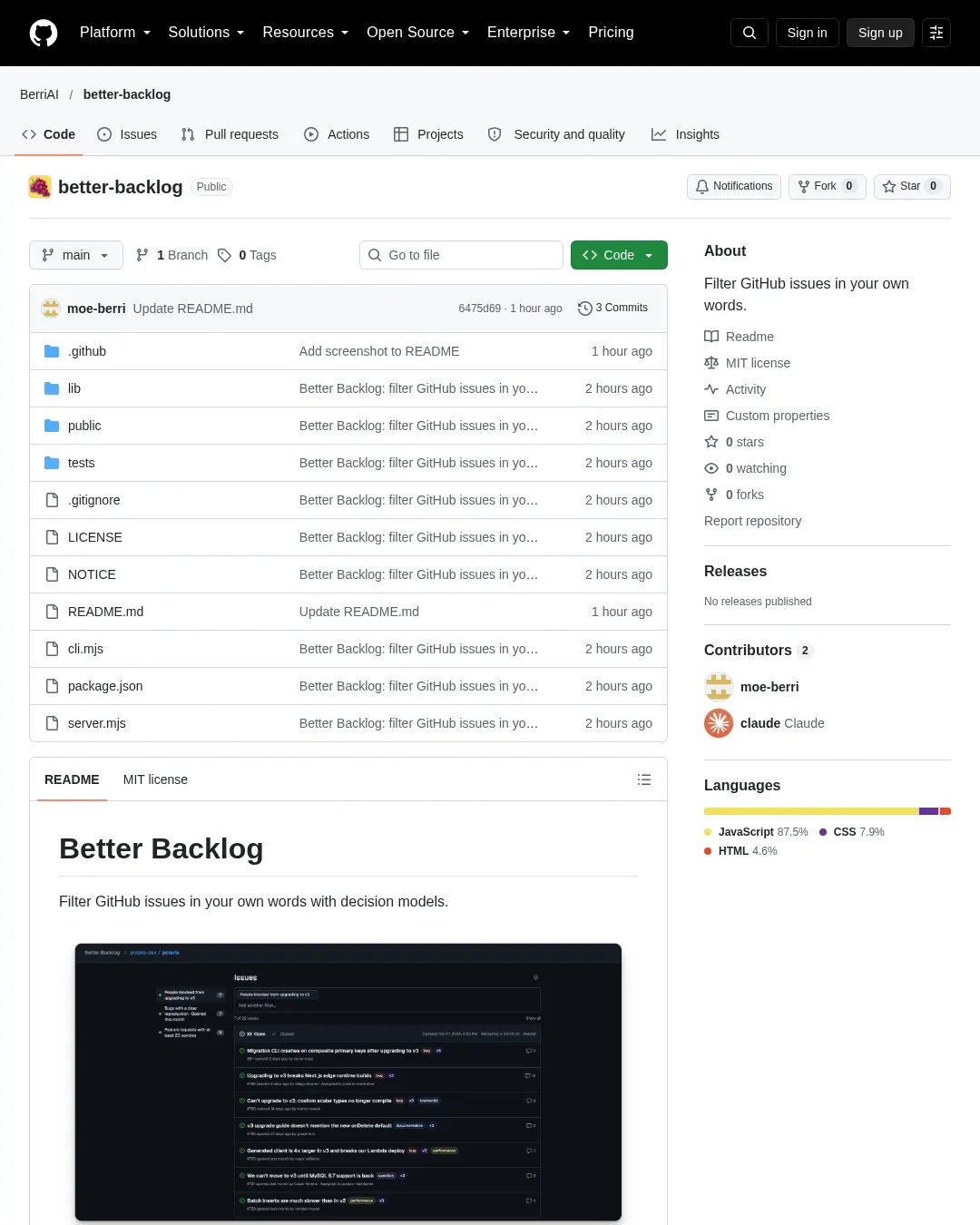
Better Backlog는 원하는 조건을 자연어로 입력해 GitHub 이슈를 필터링하는 도구다. 로컬에서 실행하며 Claude Code, Codex 같은 코딩 에이전트와 함께 설정하거나 직접 사용할 수 있다.
에이전트에 다음 내용을 붙여 넣어 설정할 수 있다.
Set up Better Backlog for me locally from https://github.com/BerriAI/better-backlog 1. Clone it into ~/better-backlog, or pull if it is already there. It needs Node 22 or newer and no npm install. 2. Check that the GitHub CLI is logged in with `gh auth status`. If it is not, ask me to run `gh auth login`. 3. Ask me which GitHub repository to filter, as owner/name. 4. Start it in the background with `BETTER_BACKLOG_REPO=<owner/name> npm start` and open http://127.0.0.1:4317. 5. Ask me to paste my TypeSafe API key, or my gateway URL and key, into Settings on that page. Never ask for the key in chat. 6. Confirm the issues load. When I ask you to filter issues, use `node cli.mjs filter "<criterion>" --json` from the repo; `node cli.mjs --help` lists everything else.
직접 설정하려면 저장소를 복제하고 앱을 실행한 뒤 http://127.0.0.1:4317/을 연다. 이 도구는 기존 GitHub CLI 로그인 정보를 사용해 이슈를 불러온다. 로그인하지 않았다면 gh auth login을 실행해야 한다. 설정에서 저장소를 선택하고 TypeSafe 키를 입력한 다음 필터 조건을 입력한다. 조건을 더 추가하면 결과를 좁힐 수 있다. 게이트웨이를 사용하려면 설정에서 게이트웨이를 선택하고 URL과 키를 입력한 뒤 의사결정 모델을 고른다.
이슈는 24시간마다 다시 불러오며, 설정에서 갱신 간격을 바꿀 수 있다. 직접 새로고침하면 최신 이슈를 가져오고 카운트다운을 초기화한다. 필터 결과는 다음 새로고침 전까지 캐시된다. 최근 필터 목록에서 채워진 점은 최신 결과를 즉시 열며, 빈 점은 새 이슈를 기준으로 필터를 다시 실행한다.
키는 .env에, 내려받은 이슈는 .local/에 저장된다. 두 경로 모두 Git에서 제외된다.
명령줄에서는 필터 적용, 최근 필터 확인과 삭제, 이슈 조회, 새로고침을 할 수 있다.
node cli.mjs filter "people asking for new providers" "opened this month"
node cli.mjs recent
node cli.mjs forget "people asking for new providers" "opened this month"
node cli.mjs issues --state closed
node cli.mjs reload
--json을 추가하면 기계가 읽을 수 있는 형식으로 출력하고, --repo owner/name으로 저장소를 지정할 수 있다. 앱이 실행 중이면 명령줄 도구가 앱을 이용하므로 캐시와 최근 필터 목록을 공유한다.
도구와 사용 방법은 GitHub 저장소를 참고할 수 있다.
댓글 (0)
로그인하면 이 기사에 내 생각을 남길 수 있어요