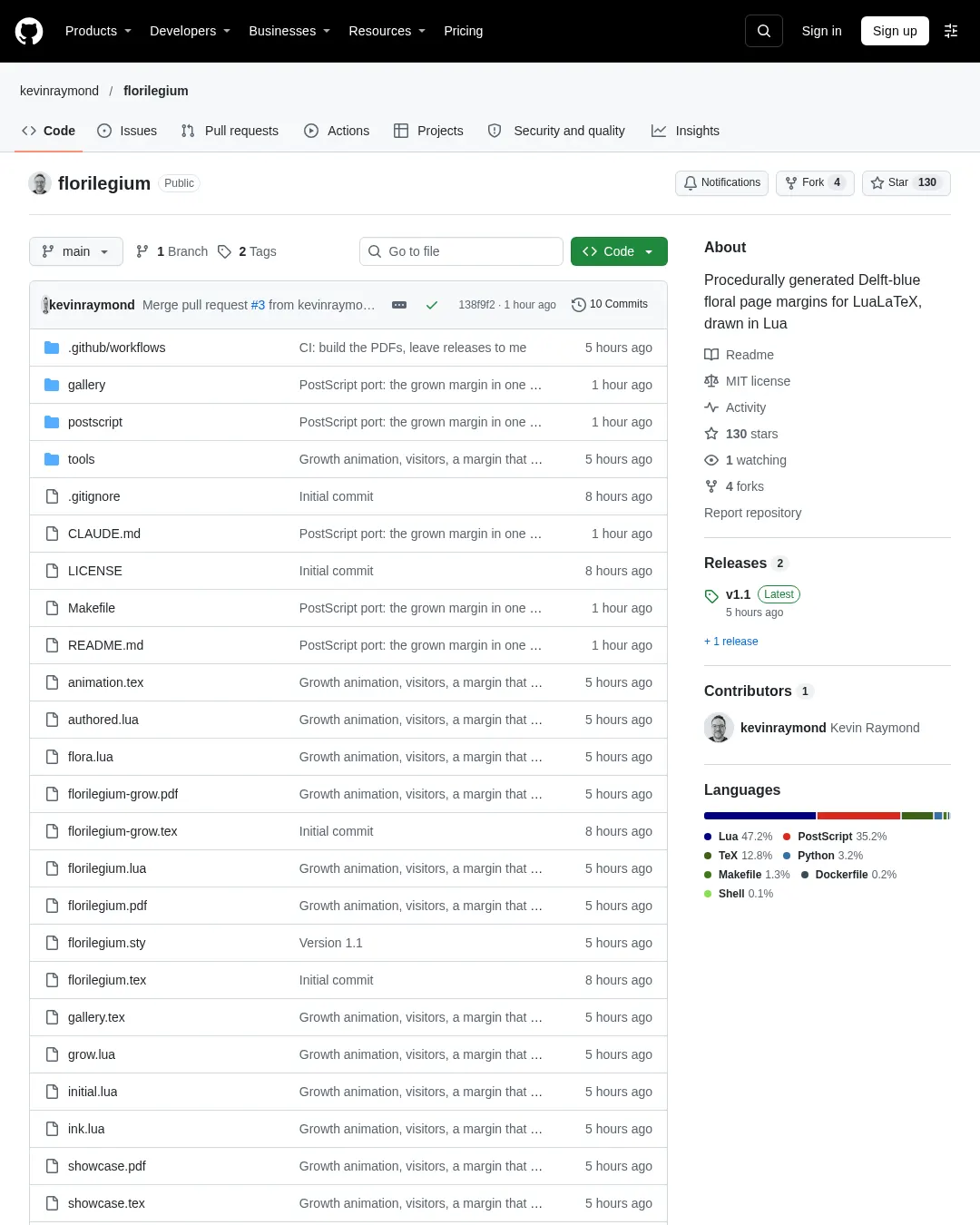
florilegium는 LuaLaTeX에서 이미지 파일 없이 꽃·잎·줄기를 생성해 PDF 여백에 그리는 패키지다. 페이지마다 다른 정원을 만들며, 손으로 배치한 구성과 여백의 빈 공간에 맞춰 식물을 키우는 구성을 제공한다.
grown 옵션을 쓰면 문서 레이아웃과 마지막 페이지의 텍스트 아래 빈 공간에 맞춰 그림을 배치한다. 제목 옆에 꽃을 넣거나, 문단 첫 글자를 장식하고, 페이지에 따라 봄에서 가을로 정원이 변하게 할 수도 있다. 계절 변화를 적용하는 문서는 페이지 수를 알아야 하므로 두 번 컴파일해야 한다. 기본 사용은 한 페이지당 약 1초가 걸린다.
패키지 사용에는 LuaLaTeX가 필요하다. Overleaf에서는 florilegium.sty, 여섯 개의 .lua 파일과 .tex 파일 하나를 프로젝트에 넣고 컴파일러를 LuaLaTeX로 설정하면 된다. 전체 팔레트 색과 방문자 그림을 바꾸는 옵션도 제공한다.
latex
\usepackage[grown]{florilegium} % or plain \usepackage{florilegium} for the authored one
% options for the grown one: sections (flowers at the headings), aging (two runs),
% novisitors (no butterflies, bees, snails or birds)
\definecolor{ink}{HTML}{5B2A1F} % optional: the hue of the whole palette (this is sepia)
\definecolor{accent}{HTML}{B4662F} % optional: the copper of the hairlines
...
\florilegiuminitial[4]{T}his paragraph starts with a decorated T.
... a flower in the margin beside this line\florilegiumbloom ...
\florilegiumage{0.8} % grown only: autumn from here on
\florilegiumtextend % grown only: at the very end of the text
MIT 라이선스로 공개됐다.
댓글 (0)
로그인하면 이 기사에 내 생각을 남길 수 있어요