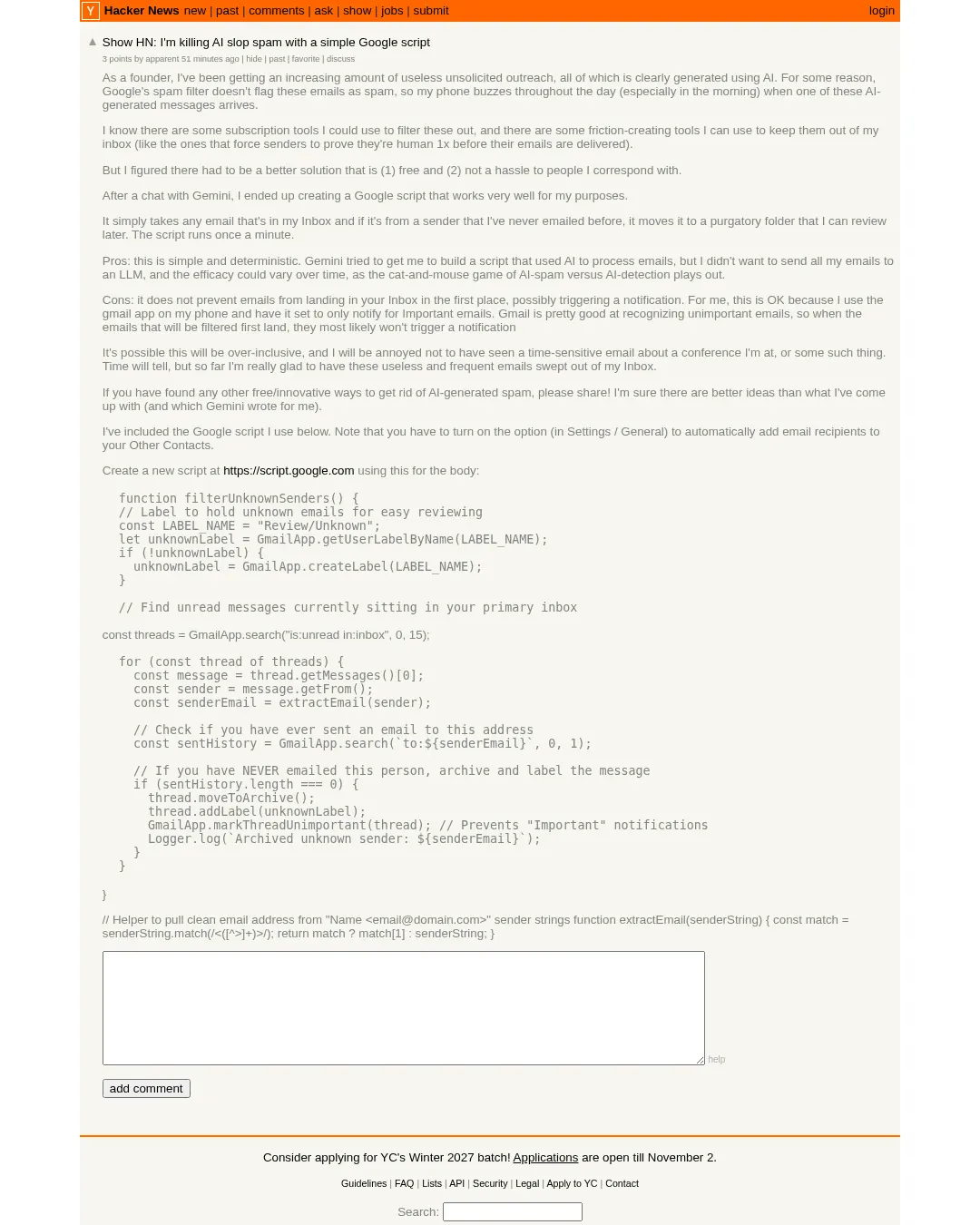
창업자로서 AI가 생성한 것으로 보이는 원치 않는 영업 메일을 자주 받는 창업자가, 처음 연락한 발신자의 메일을 보관처리하고 별도 라벨로 분류하는 Google 스크립트를 만들었다. 이 스크립트는 무료이며, 메일 내용을 AI에 보내지 않는 방식이다.
창업자는 Google 스팸 필터가 이런 메일을 걸러내지 않아 휴대전화 알림이 자주 울렸다고 설명한다. 구독형 필터링 서비스나 발신자에게 사람임을 확인하도록 요구하는 도구 대신, 수신함에 들어온 메일 중 자신이 먼저 이메일을 보낸 적 없는 발신자의 메일을 나중에 검토할 수 있도록 별도 보관한다. 창업자에 따르면 스크립트는 1분마다 실행되며, 기본 받은편지함에 있는 읽지 않은 메일을 검색해 한 번에 최대 15개까지 처리한다.
창업자는 이 방식이 단순하고 결과를 예측하기 쉽다는 점을 장점으로 꼽는다. Gemini는 이메일을 AI로 처리하는 스크립트를 제안했지만, 창업자는 모든 이메일을 대규모 언어 모델(LLM)에 보내고 싶지 않았고 AI 스팸과 탐지 기술이 맞서는 과정에서 효과가 달라질 수 있다고 봤다.
다만 메일이 처음 수신함에 도착하는 것을 막지는 못하므로 알림이 발생할 수 있다. 창업자는 Gmail 앱이 ‘중요’ 메일에 대해서만 알림을 보내도록 설정돼 있고, Gmail이 중요하지 않은 메일을 대체로 잘 구분해 알림을 피할 가능성이 높다고 설명한다. 또 중요한 회의나 행사 관련 메일까지 분류될 수 있어, 급한 메일을 놓칠 위험이 있다고 덧붙였다.
스크립트를 사용하려면 Gmail 설정의 ‘일반’에서 수신자를 ‘기타 연락처(Other Contacts)’에 자동으로 추가하는 옵션을 켜야 한다. 새 스크립트는 Google Apps Script에서 만든다.
function filterUnknownSenders() {
 // Label to hold unknown emails for easy reviewing
 const LABEL_NAME = "Review/Unknown";
 let unknownLabel = GmailApp.getUserLabelByName(LABEL_NAME);
 if (!unknownLabel) {
 unknownLabel = GmailApp.createLabel(LABEL_NAME);
 }

 // Find unread messages currently sitting in your primary inbox
const threads = GmailApp.search("is:unread in:inbox", 0, 15);
for (const thread of threads) {
 const message = thread.getMessages()[0];
 const sender = message.getFrom();
 const senderEmail = extractEmail(sender);

 // Check if you have ever sent an email to this address
 const sentHistory = GmailApp.search(`to:${senderEmail}`, 0, 1);

 // If you have NEVER emailed this person, archive and label the message
 if (sentHistory.length === 0) {
 thread.moveToArchive();
 thread.addLabel(unknownLabel);
 GmailApp.markThreadUnimportant(thread); // Prevents "Important" notifications
 Logger.log(`Archived unknown sender: ${senderEmail}`);
 }
 }
}
// Helper to pull clean email address from "Name <email@domain.com>" sender strings
function extractEmail(senderString) {
const match = senderString.match(/<([^>]+)>/);
return match ? match[1] : senderString;
}
댓글 (0)
로그인하면 이 기사에 내 생각을 남길 수 있어요